Plan DuitNow QR website orders with static versus dynamic QR, verified payment records, pending states and a clear reconciliation process.
Putting a DuitNow QR image on a website does not automatically confirm an order. It offers a way to start payment. Your team still needs to match the payment to the correct order and verify success through your provider’s records.
For a Puchong shop taking catalogue orders or collection requests, plan that handover before designing checkout. The important question is not just “Can customers scan?” It is “Which order was paid, for what amount, and can we fulfil it?”
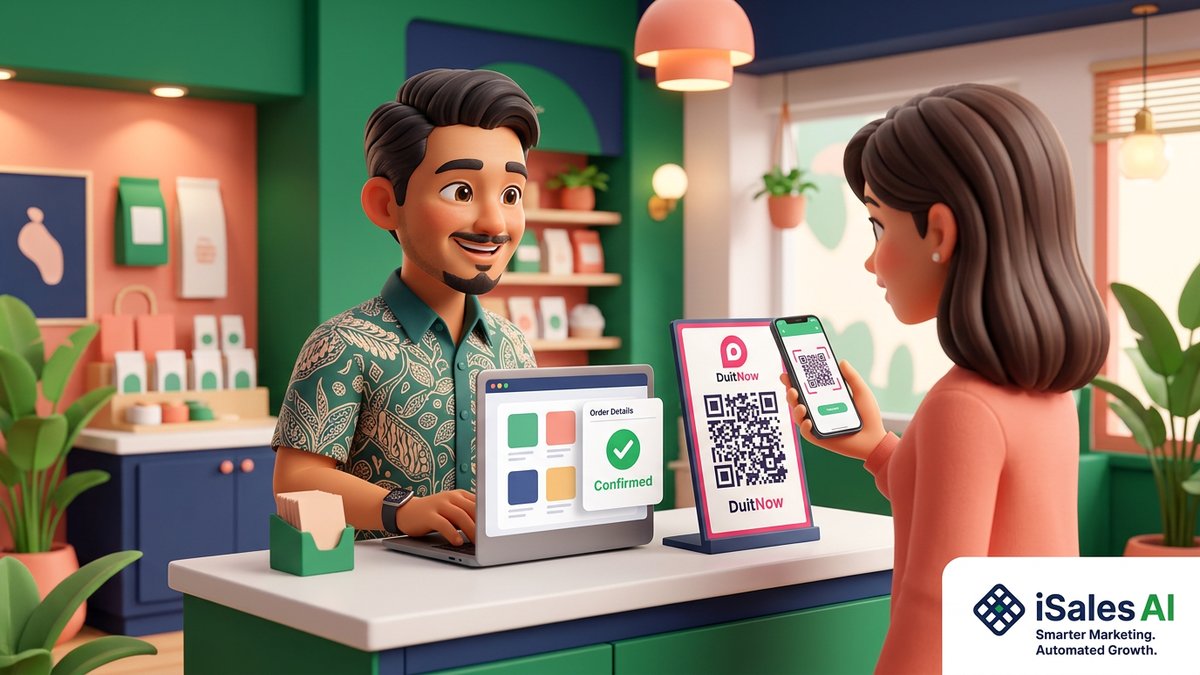
The cover is an editorial illustration, not a client project. Its QR is a visual prop, not a payment destination.
Static and dynamic QR solve different problems
PayNet’s merchant-presented QR documentation describes static and dynamic codes. With a typical static merchant QR, the customer enters the amount. Dynamic QR can be generated for a transaction with its amount specified. Order references and confirmation features depend on the acquirer or gateway.
| Approach | Starting point | What still needs planning |
|---|---|---|
| Static merchant QR | Low-volume orders checked manually by staff. | Wrong amounts, matching and pending confirmation. |
| Transaction-specific dynamic QR | Order-linked payments supported by the provider. | References, notifications, expiry and reconciliation. |
| Hosted payment page | A provider offers the required QR payment method. | Verified success, failure states and return to the order. |
Not every merchant account includes an ecommerce API. Ask what your existing account supports and whether onboarding, charges or integration approval are separate. Do not promise a universal DuitNow fee or settlement time.
Create the order before requesting payment
Store a unique reference with the products, quantity, delivery or collection choice and agreed total. Show that summary before payment and leave the order pending until confirmation is reliable.
A shop serving Bandar Puteri or Bandar Kinrara should also record the collection outlet and available stock. If staff must quote first, agree the total before generating the payment request. Otherwise the website invites payment for an order the team has not accepted.
Check merchant records, not just a screenshot
A screenshot can help locate a transaction, but it can be edited, reused or refer to another payment. Do not release goods solely because a customer-provided image says “successful”. This is a practical safeguard, not a claim that PayNet issued a specific screenshot prohibition.
PayNet describes using the acquirer’s merchant portal or app to track sales and transaction history for reconciliation. Match the merchant record to the order using available references, amount and status. A missing or ambiguous match needs review.
Automatic confirmation needs a verified handover
If your provider supports payment notifications, verify them on the server according to its documentation. Reaching a browser success page alone should not mark an order paid: the customer can revisit a URL or lose the return connection.
- Confirm that the notification belongs to your merchant and order.
- Compare amount and currency with the stored total.
- Check authenticity using the provider’s required verification.
- Handle repeated notifications without duplicate fulfilment or receipts.
- Keep the provider transaction reference for reconciliation.
Ask the supplier to demonstrate the entire process, not just a QR appearing. Private payment credentials must never be exposed in customer-visible code.
Show honest pending, paid and failed states
Separate awaiting payment, payment being checked, paid, expired or failed, and refunded where relevant. A timeout does not prove money did not move. Check provider records before asking a customer to pay again.
Payment received and order ready for collection are different milestones. If staff must still confirm stock or a time, say so. Show an order reference and the next step the team can genuinely support.
Test the same-phone flow too. A customer cannot always scan a code on their own screen with their usual method. Offer another provider-supported route instead of assuming screenshot scanning is available in every app.
Make reconciliation a staff routine
- Compare website orders with the provider transaction list.
- Investigate unmatched payments, wrong amounts and pending orders.
- Assign one owner for exceptions.
- Record refunds separately from cancelled or failed attempts.
- Keep settlement reporting distinct from customer payment status.
A transaction record and bank settlement are related but different stages. Ask how fees, refunds and settlement appear in reports. Keep records accessible only to the staff who need them.
Before approving checkout
Test successful, abandoned, delayed and repeated confirmations through the provider’s approved test process. Confirm what happens after expiry and who handles an unmatched payment. A working checkout is an order workflow, not merely a payment badge.
Related reading: Malaysia payment gateway options and catalogue and pricing portals in Puchong.
Scope the payment flow first
See our Puchong web design service and website cost calculator. WhatsApp iSalesAI about order-linked payments with your provider’s name and sales process, not passwords or banking details.
Planning this for your own business? Our custom business web apps page walks through scope, timeline and pricing.
Want a website that actually brings in leads?
We build trilingual (EN/BM/中文) business websites in 2–4 weeks, with clear scope and pricing from the start.
Or estimate your budget first with our free website cost calculator →Related articles
- Web DesignWeb Design Puchong Trends: Moving from Static WordPress Sites to High-Performance Framer & React Platforms
- Web DesignWeb Design Puchong: How Hyper-Local Digital Transformation Drives SME Growth in Bandar Puteri & IOI Rio
- AI AutomationWeb Design Puchong: How WhatsApp Automation and CRM Integration Turn Website Visitors into Loyal Customers