A practical website accessibility checklist for PJ businesses: keyboard navigation, visible focus, form labels, errors, zoom and WCAG 2.2 target sizes.
Can a customer complete your enquiry without using a mouse? Open your website, put the mouse aside and use Tab, Shift+Tab, Enter and the arrow keys to reach the form. If you cannot find the selected control or leave a popup, the website is blocking a customer journey.
Accessibility matters to people using keyboards, screen readers, magnification or touch, including people with disabilities. For a Petaling Jaya business, begin with the path from service page to enquiry rather than adding an accessibility badge.
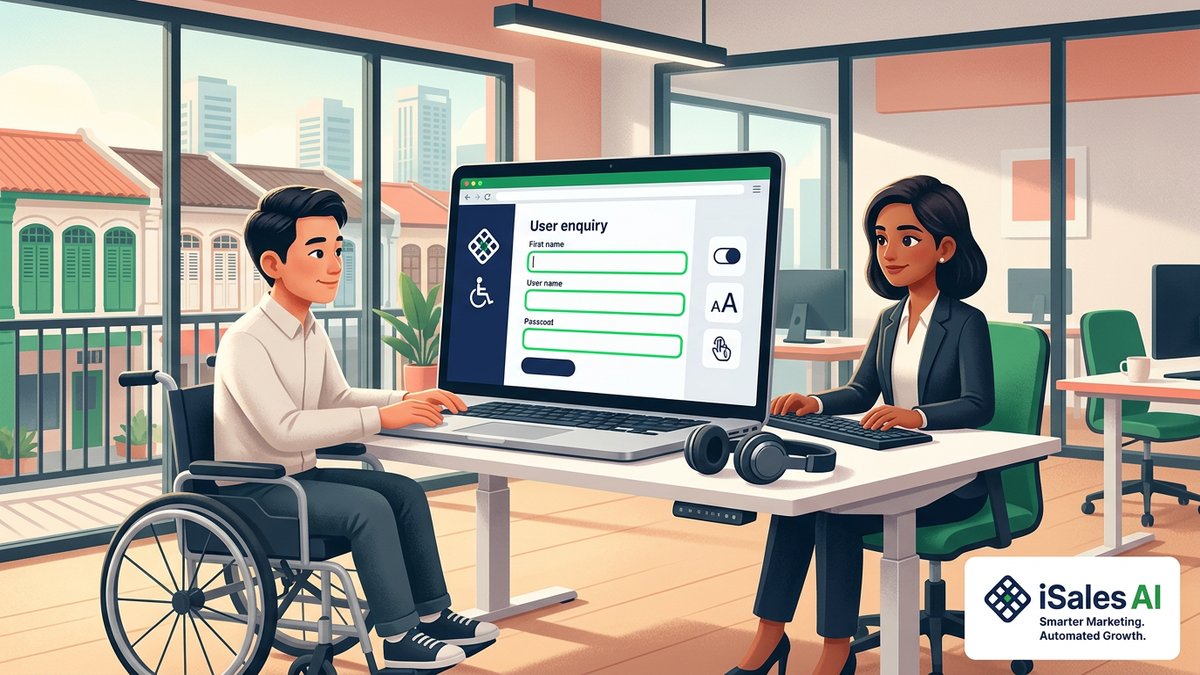
Cover illustration: an iSalesAI editorial concept, not a client project.
Use WCAG as a benchmark, not a blanket claim
The W3C Web Content Accessibility Guidelines 2.2 provide testable criteria at Levels A, AA and AAA. A project targeting AA needs an agreed scope and assessment. Passing this short checklist does not establish full conformance.
This is practical guidance, not a claim that every Malaysian private-sector website must legally meet WCAG 2.2 AA. Discuss sector-specific or contractual obligations with a qualified adviser where relevant.
1. Follow the entire keyboard journey
Reload and Tab through navigation, service links, enquiry fields and submit controls. Move backwards with Shift+Tab. The order should make sense, controls should work without a mouse and menus or dialogs should not trap you.
Test tasks beyond the homepage: choose a service, open and close the mobile menu, select an option and submit harmless test information. Custom controls need appropriate keyboard behaviour. A text label reacting only to mouse clicks is not equivalent to a correctly implemented button or link.
2. Keep focus visible and unobscured
A visible focus indicator tells the user which control will respond. Do not remove it for appearance without providing a clear replacement. Check it against both light and dark sections.
WCAG 2.2 AA’s Focus Not Obscured (Minimum) criterion requires a focused control not to be entirely hidden by author-created content. Sticky headers, cookie banners and floating chat panels can interfere. This AA minimum does not require the whole control always to be visible; aim for comfortable usability beyond the minimum.
Tab to the last enquiry fields while fixed content is present. Can you see the selected input and its instructions? If not, review the overlay or layout.
3. Use meaningful labels that remain visible
Field names should remain understandable after typing. A disappearing placeholder is not a good substitute for a persistent label. Connect labels to fields so assistive technology can identify them.
Mark required fields clearly in text and programmatically. Explain phone formats and file restrictions before submission. Avoid unexplained symbols or vague instructions such as “Enter valid details”. Ask only for information needed for the initial enquiry.
4. Make errors recoverable
Submit an incomplete test form. The response should identify the problem and explain how to fix it without deleting other entries. Red borders alone are insufficient: the colour may not be perceived, and a screen reader needs associated error information.
Check whether the message is connected to its field and announced appropriately. After correction, the visitor should continue without starting again. A successful submission also needs understandable confirmation, not just a button becoming disabled.
5. Review small touch controls
WCAG 2.2 AA’s Target Size (Minimum) criterion specifies 24 by 24 CSS pixels for pointer targets, subject to spacing, equivalent-control, inline-text, user-agent and essential-presentation exceptions.
This does not mean each link in a sentence must become a large block. It does mean tiny adjacent icons and tightly packed standalone controls deserve review. Give important actions generous size and separation rather than designing to the smallest possible exception.
6. Check zoom, contrast and meaning
Increase browser zoom and enlarge text. Ensure labels wrap, buttons remain available and instructions are not clipped. Review text and control contrast with a contrast checker; attractive colours are not automatically readable.
Give informative images meaningful alternative text and decorative images empty alternative text where appropriate. Do not place essential contact details, prices or instructions only inside an image.
For English, Bahasa Malaysia and Chinese versions, review language information and labels separately. Different text lengths can reveal clipping that the English page did not show.
7. Combine tools with real use
Automated scans can flag some missing names, contrast issues and structural problems. They cannot decide whether instructions make sense or whether a customer can finish an enquiry.
Combine scans with keyboard testing, screen-reader checks and, where possible, feedback from assistive-technology users. Record the page, task, issue and reproduction steps. Fix high-impact barriers first and retest after changes.
What to include in the project handover
- The customer journeys and pages assessed.
- Keyboard and screen-reader test methods.
- Findings for labels, errors, focus, zoom and touch.
- Retest evidence and unresolved issues.
- Third-party booking, payment and chat tools included in scope.
A useful handover provides findings, not an unsupported “100% accessible” promise. Review accessibility again when new forms, popups or embedded tools change the customer journey.
Related reading: website privacy and accessibility basics and mobile website performance.
Make the enquiry easier to complete
Explore our Petaling Jaya web design service or estimate your website scope. WhatsApp iSalesAI about your enquiry form with its page URL and the task customers find difficult.
Planning this for your own business? Our website design packages page walks through scope, timeline and pricing.
Want a website that actually brings in leads?
We build trilingual (EN/BM/中文) business websites in 2–4 weeks, with clear scope and pricing from the start.
Or estimate your budget first with our free website cost calculator →Related articles
- Web DesignWeb Design Petaling Jaya: How Education & Tuition Centres in SS2 and Tropicana Are Filling Classes Online
- Web DesignWebsite Designer Petaling Jaya for Tech Startups: Building High-Converting Web Platforms in PJ
- Web DesignWeb Design Petaling Jaya: 5 Essential Features Every PJ SME Needs to Beat Local Competition